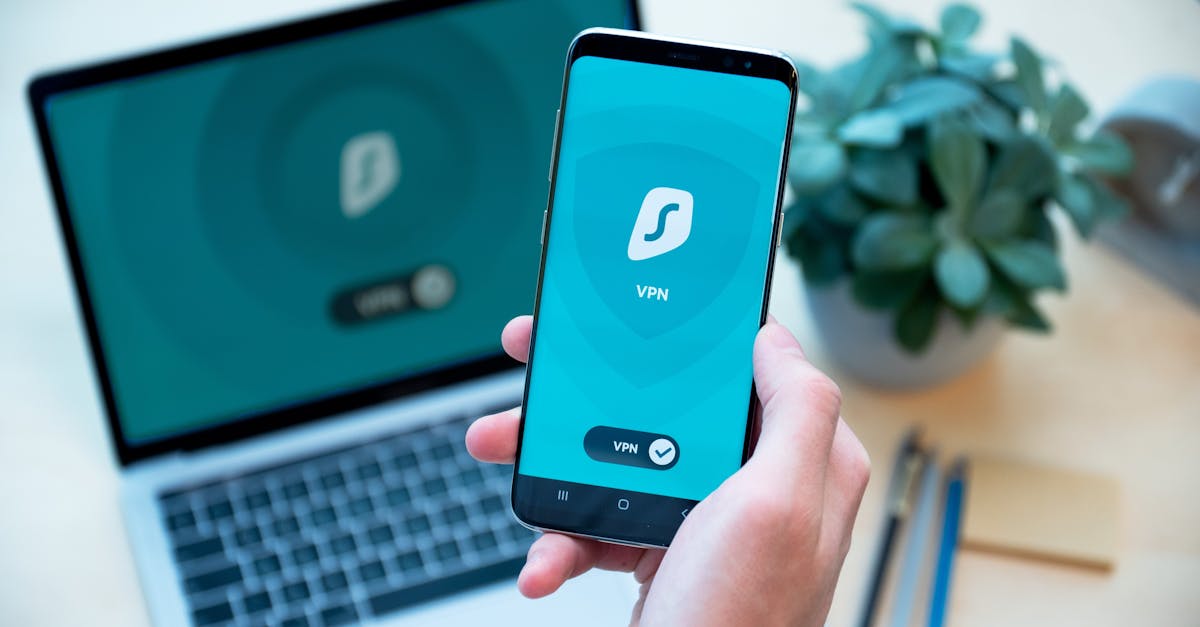
You don't need to be a tech wizard. My goal today is to show you incredibly easy, actionable habits you can start right now. These protect your data, hard-earned money, personal memories, and most importantly, your peace of mind. We're building your own digital fortress, one simple brick at a time. Ready to become your own digital superhero? Let's dive in!
Password Power-Up: Stronger, Unique, Managed.
Alright, let's kick things off with the absolute foundation: passwords. I'm guessing you've got a few 'go-to' passwords, maybe one or two you tweak? Or 'password123' is still lurking? No judgment, we've all been there! But honestly, that's like using the same key for your house, car, and safety deposit box. If a bad guy gets one, they've got them all. It's a hacker's dream.
The key is three-fold: stronger, unique, and managed.
First, stronger. Forget dictionary words, pet names, or birthdays. A strong password is a jumble of uppercase/lowercase letters, numbers, and symbols. The longer, the better! Think of a random phrase, then swap letters for numbers (like 'e' for '3'), capitalize some, and throw in a symbol. E.g., 'MyD0gL0v3sB0n3s!'. Tough to guess, but memorable if you use a system.
Second, unique. Non-negotiable. Every single online account – email, banking, social media, shopping – needs its own distinct password. Why? Data breaches happen. Companies get hacked, credentials stolen. If you reuse passwords, a breach on a minor site could give criminals access to your bank or primary email. Scary, right?
Which brings us to the third, and most important: managed. 'But how do I remember dozens of complex, unique passwords?' I hear you! That's where your new best friend comes in: a password manager. Seriously, if you take away one thing today, let it be this. It's a secure digital vault that stores all your passwords. You only need to remember one master password to unlock it.
Here's its magic:
- Generates Strong Passwords: Creates complex, random passwords with a click.
- Stores Securely: Encrypted and safe.
- Auto-Fills: Automatically fills login details on websites.
- Syncs Across Devices: Access passwords from phone, tablet, computer.
Popular options include LastPass, 1Password, Bitwarden, and Dashlane. Many have free versions. It might feel like a bit of setup, but the peace of mind and convenience are a heck of a lot worth it. It's like having a personal security guard for all your digital keys.
Two-Factor Fortification: An Extra Layer of Security.
Okay, you've got your password game strong and unique, maybe even a password manager humming. You're already miles ahead! But what if, despite your best efforts, a bad actor does get their hands on a password? This is where our next digital superpower comes in: Two-Factor Authentication (2FA), sometimes called Multi-Factor Authentication (MFA).
Think of 2FA as a second lock on your digital door. Even if someone has your key (password), they still need a second, unique item to get in. Like needing both a key and a fingerprint for a safe. This extra layer makes it exponentially harder for unauthorized people to access your accounts, even with a stolen password. It's a game-changer.
How does it work? After entering your password, the service asks for a second verification. This usually comes in a few forms:
- SMS Code: Sent to your phone. Common, but less secure than apps.
- Authenticator App: Apps like Google Authenticator or Authy generate time-sensitive codes on your smartphone. Generally more secure.
- Physical Security Key: Devices like YubiKey provide a physical token. Gold standard, but often overkill.
Your mission (and you really should accept it!): Enable 2FA on all your critical accounts. Primary email (HUGE), banking apps, investment accounts, social media, and any online shopping sites storing payment info. Most services make it straightforward – look for 'Security Settings'.
It might add a few seconds to your login, but those few seconds are a tiny price for the massive boost in security and peace of mind. It's like having an alarm system and a deadbolt. Why wouldn't you want that?
Spotting Scams: Phishing & Social Engineering.
Okay, we've talked about fortifying your accounts, but what about the sneaky ways bad guys try to trick you into giving them access? This is where phishing and social engineering come in. These are digital cons, designed to play on your emotions – fear, urgency, curiosity – to get you to reveal sensitive information or click malicious links.
You've probably seen them: emails pretending to be from your bank, a shipping company, or even a government agency. They might claim your account is compromised, there's a delivery problem, or you're eligible for a refund. The goal is always the same: get you to click a link to a fake website (where you'll enter login details) or download malware.
Here's your personal scam-spotting checklist:
1. Be Skeptical of Unsolicited Messages: If an email or text arrives out of the blue, especially asking you to do something urgent or click a link, your internal alarm bells should ring. Pause, even if it looks legitimate.
2. Check the Sender's Email Address (Carefully!): Phishers use addresses that look similar but have subtle differences (e.g., `support@amaz0n.com` with a zero). Always hover (desktop) or long-press (mobile) to see the actual address.
3. Look for Typos and Poor Grammar: Professional organizations communicate professionally. Scammers often make errors or use awkward phrasing. Big red flag.
4. Hover Before You Click (Don't Click!): On a computer, hover your mouse over links without clicking. A pop-up will show the actual URL. If it doesn't match the official website or looks suspicious, do NOT click.
5. Urgency and Threats are Red Flags: Scammers love panic ("Your account will be suspended!"). They want you to act without thinking. Real companies rarely demand immediate action via unsolicited emails for critical issues.
6. Never Give Out Personal Info via Email/Text: Your bank or any legitimate company will never ask for your password, SSN, or full credit card details via email or text. If they need to verify, they'll tell you to log into your account directly (typing the website yourself) or call their official customer service number.
When in doubt, always go directly to the source. If you get an email from your bank, don't click the link. Instead, open your browser, type in your bank's official website, and log in. If there's a real issue, you'll see it there. It's about being a little suspicious, a little cautious, and trusting your gut. Your gut is often right!
Conclusion
Phew! We've covered a lot, haven't we? But look at what you've learned! By implementing these simple, common-sense habits – beefing up your passwords with a manager, adding that crucial second layer of 2FA, and becoming a savvy scam-spotter – you're not just dabbling in cybersecurity. You're actively building a robust digital shield around your online life. You're taking control, and that's incredibly empowering.
Remember, you don't have to tackle everything at once. The most important thing is to start. So, here's my challenge to you: pick just one habit we talked about today. Maybe it's signing up for a password manager, or enabling 2FA on your primary email account. Just one. Take that first step. Your future self – and your precious data, finances, and peace of mind – will absolutely thank you for it. You've got this!